
Useful tips
Cloud for video surveillance or HDD for cameras: where is it safer to archive?


Modern video surveillance has long ceased to be just a «camera on the fence». For the owner of a house, apartment, office or shop, it is important not only to see the event in real time, but also to preserve the evidentiary archive so that it is not lost due to a power failure, equipment breakdown or deliberate interference. That is why the question of where it is safest to store recordings becomes no less important than the choice of the cameras themselves.
Two approaches are most often compared: cloud for video surveillance and local recording on hard drive for recorder. In the first case, the video is transmitted to remote servers, in the second - it is located at the facility where the system is installed. Both options have strengths and weaknesses, and the "best" depends on the scenario: a private house, apartment, small shop, warehouse or facility with increased risks.
The mistake many users make is that they evaluate storage solely based on convenience. In fact video archive security is determined by three things: resistance to power outages, protection against theft or damage, and the reliability of the media during continuous recording 24/7. And there are many more nuances here than it seems at first glance.
Another important point: high-quality archive storage is impossible without a properly designed power supply. If the camera, router, NVR or DVR suddenly turns off, any storage loses its meaning. That is why when choosing between a local disk and a remote platform, you need to look at the entire system as a whole - from the power cable to the backup inverter or UPS.
How local HDD storage works in a video surveillance system
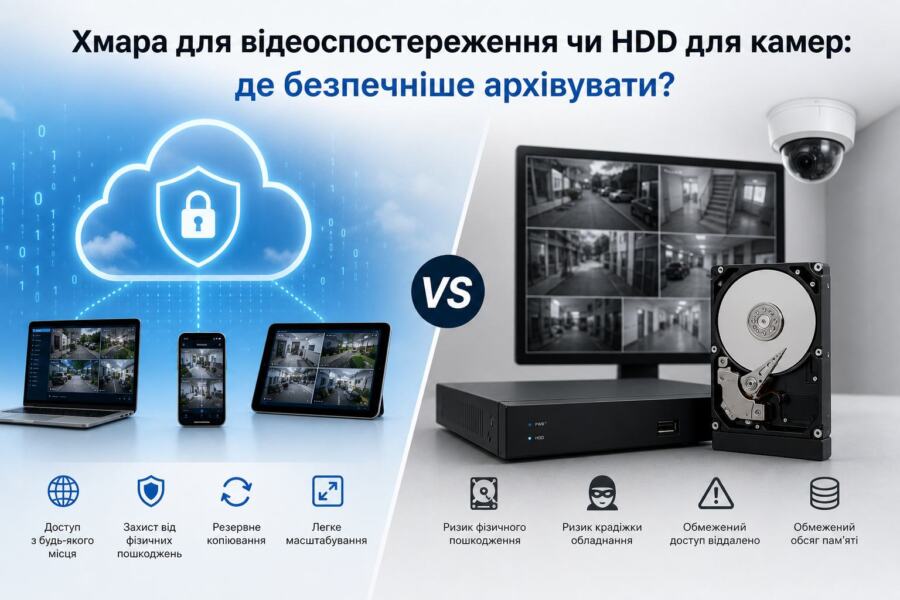
Local archiving is a classic solution where camera recordings are written to a device within the facility: an NVR, DVR, or a server with a disk installed. Most often, a specialized disk is used for this purpose, rather than a regular computer disk. HDD for cameras, designed for 24/7 operation, constant video streaming, and frequent data overwriting.
The advantage of this approach is obvious: the video does not depend on the Internet. Even if the provider «goes down» and the external network disappears, the recording on site will continue. For a private house, this is especially important at night or during bad weather, when network failures occur most often. For a store or warehouse, this is even more critical - because it is at such moments that a complete archive without gaps is needed.
However, local storage also has a vulnerability: if an attacker gets inside and takes the recorder, the archive can disappear with the device. Therefore, for objects with a higher risk of penetration, additional protection is often used: hidden installation, a metal cabinet, a UPS with a hidden location, and sometimes - duplication of the recording to a remote server.
Another typical problem is buying "any" disk. A regular desktop HDD does not always withstand the load of continuous recording. For video systems, it is better to choose models that support 24/7 operation, have optimized mechanics for streaming recording and are designed for a greater number of rewriting cycles. This is exactly the hard drive for recorder works more stably and lasts longer.
What is cloud video surveillance and when is it really useful?
Cloud for video surveillance means that the video stream or recording is stored on the provider's remote servers. In practice, this can be a full archive, short fragments of events, backups, or access to recordings via a mobile application. For the user, the main advantage is that the data is not physically located on the object, so it is more difficult to steal or destroy it along with the equipment.
This method is especially convenient when you need to quickly access video from anywhere in the world, without having to mess with setting up a local server and not thinking about replacing the disk. For apartments, small offices and temporary facilities, this can be a very practical option. But without a high-quality Internet channel, the cloud turns into a weak point: if the connection is unstable, recording may be delayed or interrupted.
Additionally, it should be taken into account that some services do not store the entire archive, but only part of the events or records for a certain period. That is, "cloud" does not always mean unlimited and complete archiving. Before connecting, you should read the terms: what depth of the archive is available, whether there is encryption, where the servers are physically located, and what will happen after the subscription ends.
For important objects, it is better to perceive the cloud not as the only storage, but as an additional layer of protection. It is the combination of local recording and remote backup storage that often gives the best result in terms of video archive security.
Comparison: cloud or HDD for cameras
If we evaluate not advertising, but engineering practice, then both options have clearly different application scenarios. Below is a comparison based on key parameters that really affect archive security.
| Criterion | HDD for cameras | Cloud for video surveillance |
| Internet addiction | Not dependent for local recording | Critically dependent on the communication channel |
| Protection against the theft of the registrar | Low without additional measures | High if data is already loaded |
| 24/7 stability | High if the right disk is selected | Depends on provider and network |
| Cost | One-time purchase, lower long-term costs | Monthly or annual payment |
| Access from anywhere | Remote access setup required | Usually available immediately |
| Risk of losing the archive due to a virus/hack | Yes, if the network is poorly protected | Depends on account security and service |
The practical conclusion from this comparison is simple: HDD for cameras better suited for continuous and economical recording, and cloud for video surveillance — for remote access and backup. If you need to minimize the risks of losing the archive, you should not choose «either-or», but build a hybrid scheme.
What threats really destroy video archives?
The most common reason for losing recordings is not «hacking by hackers,» but rather banal technical problems. First of all, this is a power outage. If the recorder, switch, and router do not have backup power, the recording will be interrupted at the moment of network loss. Because of this, it is important to use a UPS or inverter system with a battery, designed for at least 30–60 minutes of autonomy.
The second threat is HDD overheating. In real-world conditions, drives are often installed in cramped enclosures without proper ventilation. At temperatures that consistently exceed 45–50°C, the storage resource drops significantly. For video surveillance systems, it is critical to control the temperature in the cabinet, the recorder body, and the location of the power source.
The third problem is incorrect capacity calculation. It happens that a user buys a disk for 1 TB, but with 4-8 cameras in high resolution, the archive is only stored for a few days, not weeks. Then it seems as if the system is "overwriting" the recordings too quickly. In fact, this is normal behavior if the disk capacity does not match the number of cameras and bitrate.
It is also dangerous to underestimate cybersecurity. If the system uses remote access, accounts with simple passwords, an unsecured router, or old software, an attacker can gain access to the archive. For the cloud, this means the risk of compromising the account, for local storage, the risk of intrusion into the network and deleting records.
How to choose a hard drive for a recorder without error
When needed hard drive for recorder, the main thing is not to chase the cheapest price. For video surveillance systems, models specifically designed for long-term streaming recording are suitable. They withstand constant overwriting better, have optimized firmware and fewer errors when working in multi-channel mode.
When choosing, you should pay attention to several parameters: volume, rotation speed, cache memory and declared load per year. For a home system with 2–4 cameras, sometimes it is enough 1–2 TB, but if the camera has a resolution of 4 MP or 8 MP, and the archive is needed in 2–4 weeks, the capacity should be increased. For business, drives are often justified 4–10 TB and above.
It is equally important to set the recording mode correctly. Continuous recording 24/7 gives full control, but it quickly "eats up" space. Motion recording saves resources, but can miss small events if the detection sensitivity is set incorrectly. In real practice, a combined scenario is often used for important zones: continuous recording on critical cameras and motion recording on auxiliary ones.
A typical mistake is to put an old disk into the recorder "from a computer that is no longer needed." Such a drive may look good, but for a video system it may already have a high number of reassigned sectors, hidden errors, or mechanical degradation. As a result, the security of the video archive drops precisely at the moment when the recordings are needed most.
When is it better to choose the cloud and when is it better to choose a local archive?
If the facility is small, access to it is not critically protected, and the main task is to quickly view events from a smartphone, the cloud can be a very convenient solution. It is suitable for rented apartments, small offices, temporary premises and places where you do not want to keep a separate recorder.
Local recording on HDD works better where autonomy and expected cost of ownership are important. These are private homes, warehouses, workshops, garages, shops, where the system must write without interruption, regardless of the Internet. In such cases HDD for cameras usually wins in reliability and economy.
The most balanced solution is duplication. Cameras record to a local recorder, and only important fragments or alarming events are sent to the cloud. This solution reduces the risk of losing the entire archive due to theft, fire, or power outage. It is in this scenario that cloud for video surveillance works as insurance, not as a sole repository.
Practical tips for improving archive security
The first rule is backup power. For a small system, a high-quality UPS is enough to hold the recorder, router, and PoE switch. For facilities with power outages, it is better to use an inverter with an external battery, where autonomy is calculated in hours, not minutes. The output voltage should be stable, preferably within 220–230 V for a variable network, without dips and jumps.
The second rule is the physical inaccessibility of the equipment. The recorder should not be placed in plain sight near the entrance or in a publicly accessible place. If the facility is commercial, it is best to place it in a locked cabinet or a separate technical unit. The longer the attacker searches for the equipment, the higher the chance that the archive will survive.
The third rule is to duplicate important events. For entrances, cashier areas, gates and safe rooms, it is advisable to have at least one backup storage channel. This can be a separate camera with a microSD card, sending fragments to the cloud or a second recorder. Even if the main one hard drive for recorder fails, critical events will not be lost.
The fourth rule is to regularly check the archive. Once a month, you need to open the recordings not only from "today", but also from several days or weeks ago. This will reveal broken disk areas, time synchronization errors, camera freezes or problems with network access. It is regular monitoring that best increases the security of the video archive on (Incomplete: max_output_tokens)